Workshop — Job Management (Repairs)
Register repair jobs, assign technicians, update status, generate quotes and invoices.
Applies to: Dominican Republic / United StatesCurrent profile: Dominican Republic / ES
Localized Guides and Media
This article uses a cross-country workflow. Even so, screenshots and tutorial videos can vary by country and language profile.
1What Is Workshop?
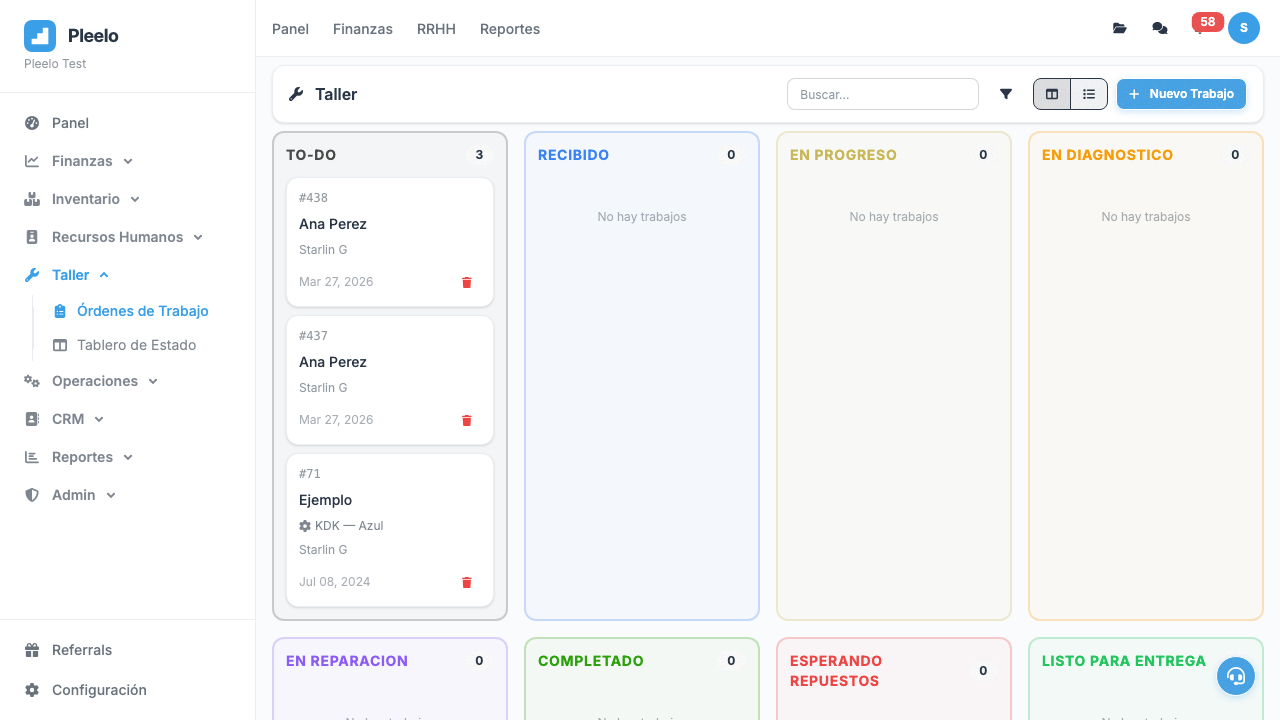
Workshop is for businesses that repair things:
- Auto repair shop
- Electronics repair
- Carpentry workshop
- Technical service
Each "job" is a repair someone asked you to do.
2Creating Jobs
Job Information
- Customer: Who brought item to repair
- Item: What's being repaired (bike, TV, door, etc.)
- Problem: "Won't start", "Strange noise", etc.
- Received date: When brought in
- Promised date: When will be ready
How to Create
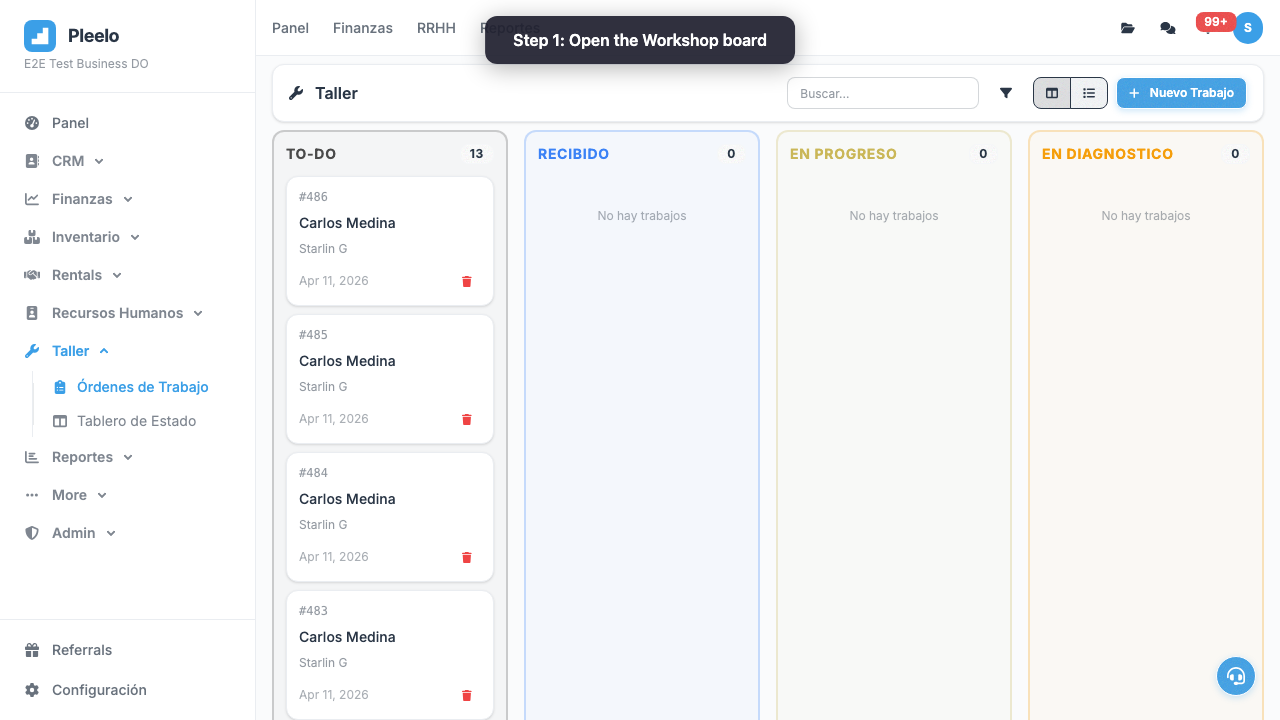
- Go to Workshop > Jobs
- Click New Job
- Fill information
- Save
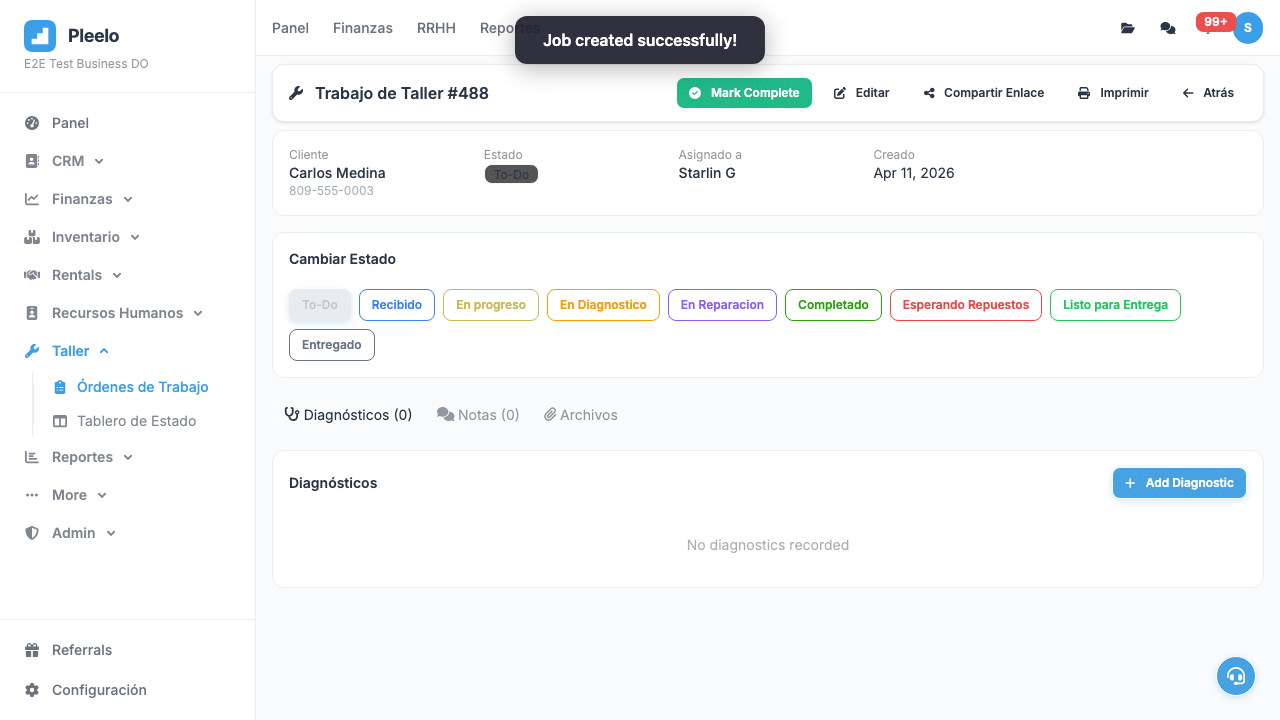
3Job Statuses
Typical Flow
- Received: Just arrived
- In Diagnosis: Technician checking
- In Repair: Working
- Completed: Ready
- Delivered: Customer picked up
- Cancelled: Customer didn't want
How to Update
Click current status and select new one.
4Tips for Workshops
5 Tips
- Clear promise date: Tell customer when ready
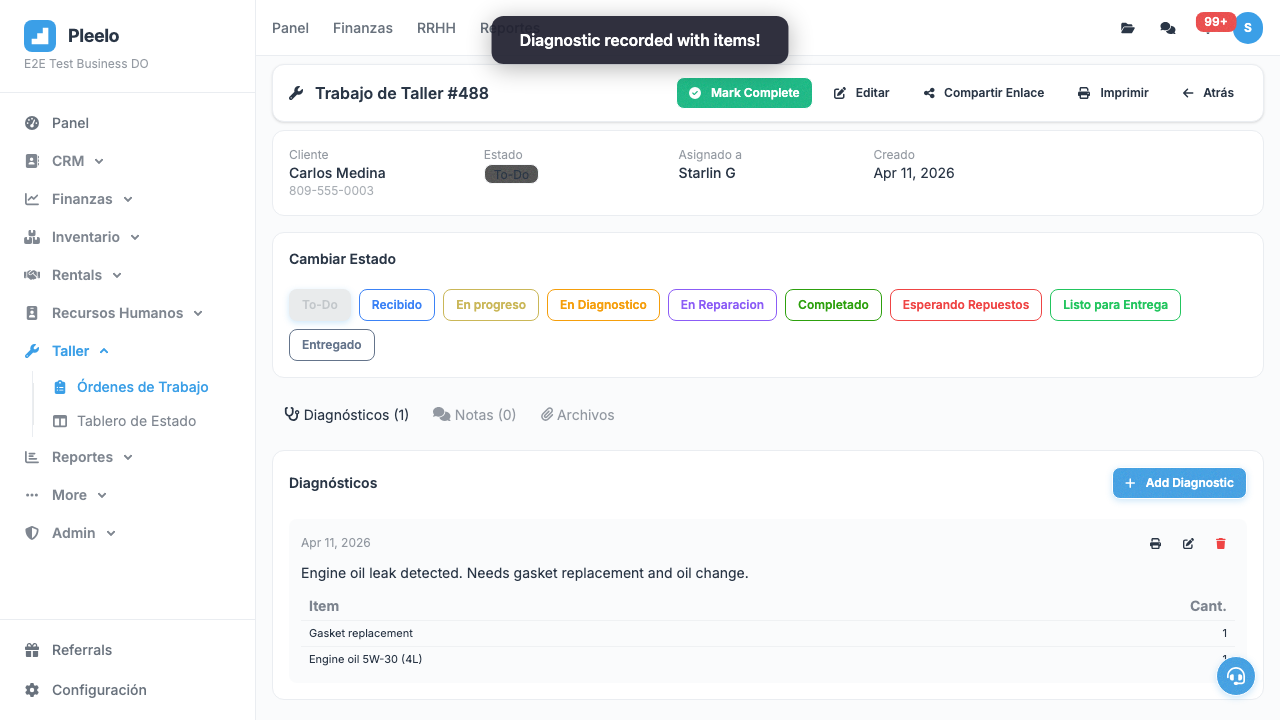
- Detailed diagnosis: Describe problem exactly
- Quote first: Estimate before starting
- Assigned tech: Always know who fixes it
- Initial photo: Save photo of original state
Video Tutorials
Work Order Lifecycle
How to create, manage statuses, and complete a work order.
1:10Visual guide
Reference screenshots from the product and guided flows captured for documentation.
Product screens4 screenshots


Step-by-step walkthrough3 screenshots