Automated Bank Reconciliation
Import your bank statements in CSV, let the system match transactions automatically, and detect discrepancies in minutes — not hours.
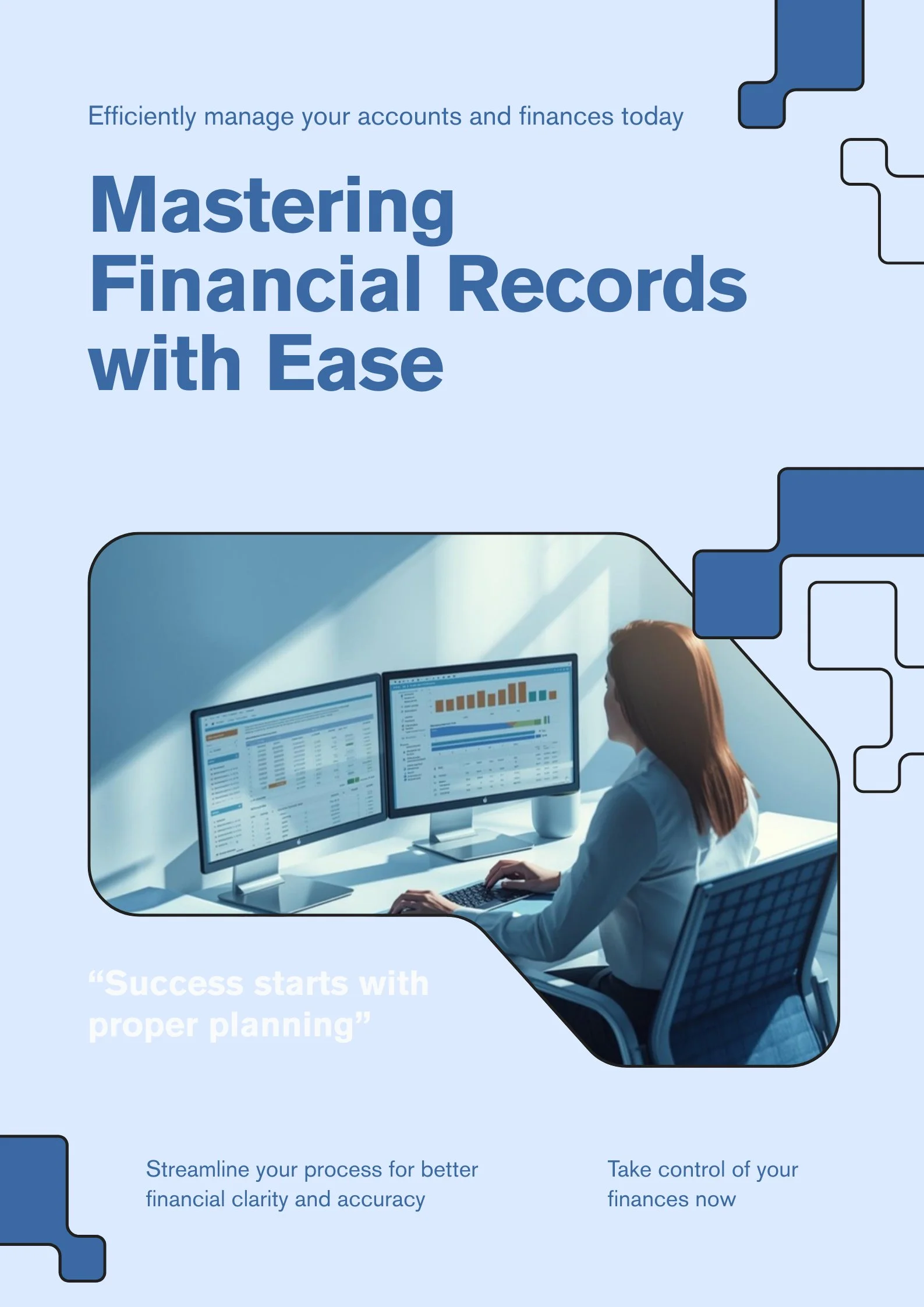
How It Works
From CSV upload to final report in five simple steps.
Select Bank and Period
Choose the bank account and the month/year you want to reconcile. Each reconciliation is organized by bank and period for easy tracking.
Import Your Bank Statement
Upload the CSV file from your bank. The system automatically parses every transaction — date, description, debit, and credit — so you don't have to enter anything manually.
Automatic Matching
The system compares bank transactions against your internal records — paid invoices, recorded expenses, and other movements. It suggests matches by amount and date proximity.
Review and Confirm
Review each suggested match. Accept or reject with a single click. For remaining unmatched transactions, search and pair them manually with full control.
Generate Reports
View summary, detailed, and exception reports. See totals for matched, unmatched, and the final difference at a glance.
Everything you need to reconcile your bank
Powerful tools designed for accountants, financial controllers, and business owners.
CSV Import
Upload bank statements in CSV format. Compatible with major Dominican banks — Banco Popular, Banreservas, BHD Leon, Scotiabank, and more.
Automatic Matching
Smart matching by amount, date proximity, and description keywords. Saves hours of tedious manual work every month.
Manual Matching
For unmatched transactions, search and pair them manually. Full control over every line of the reconciliation.
Exception Report
Highlights transactions without matches. In the bank but not in your system? In your system but not in the bank? Investigate discrepancies instantly.
Monthly Trends
Charts showing balance evolution, deposits vs. withdrawals month over month. Detect cash flow patterns and anomalies before they become problems.
Multi-Bank
Create separate reconciliations per bank and period. Maintain a complete history organized by bank and date across all your accounts.
Three reports, complete visibility
Each reconciliation generates three complementary reports so you always know exactly what matched, what didn't, and why.
Summary
Total matched, total unmatched, and final difference — a single-page view that tells you exactly where you stand.
Detailed
Every transaction listed with its matched or unmatched status. Full transparency on each line item.
Exceptions
Only unmatched items, isolated for investigation. Focus on what needs attention without the noise.
Reconcile your bank in minutes
Stop spending hours matching transactions manually. Import, match, and report — all from one place.
Get Started Free