CRM — Lead and Customer Management
Track prospects, follow up on time, and turn more opportunities into customers.
This article uses a cross-country workflow. Even so, screenshots and tutorial videos can vary by country and language profile.
1What Is CRM?
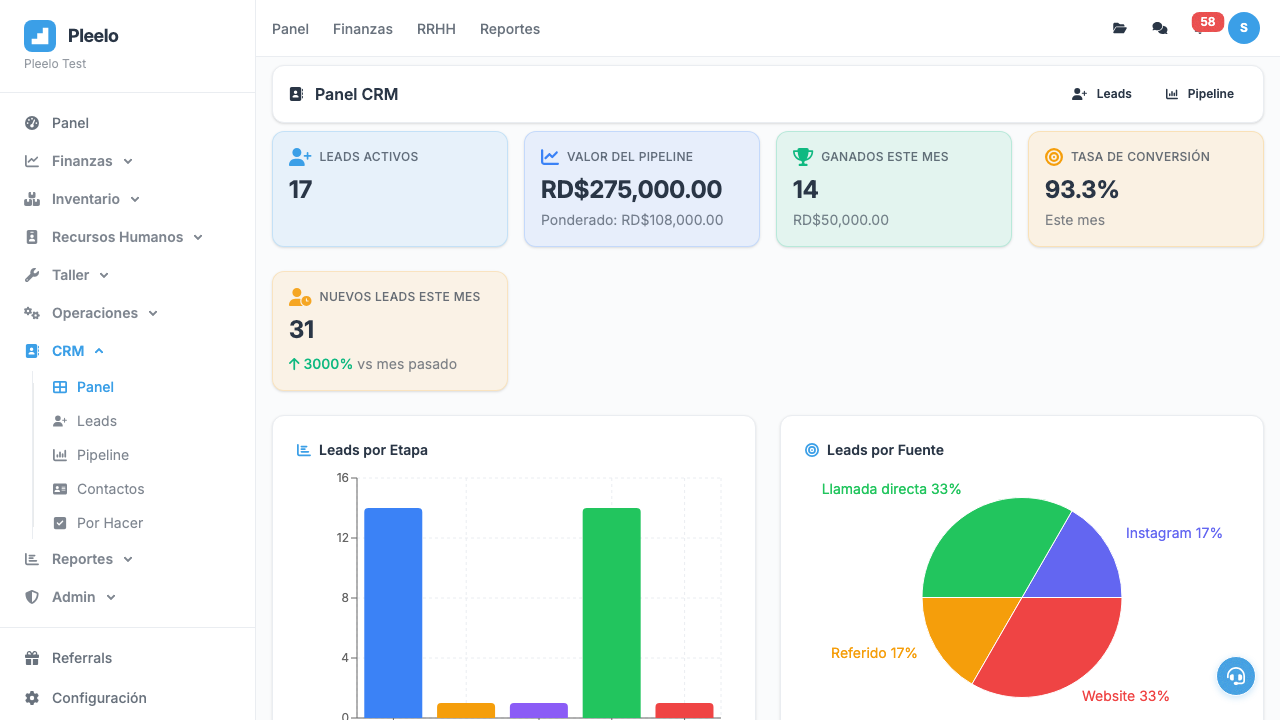
Keep your sales pipeline organized from first contact to closed customer.
With Pleelo CRM, your team can:
- Track who asked about your services
- See which deals need attention right now
- Set reminders so follow-up does not get missed
- Turn qualified opportunities into customers with less rework
If your team is still managing opportunities in notes, email, or spreadsheets, CRM helps bring that process into one place.
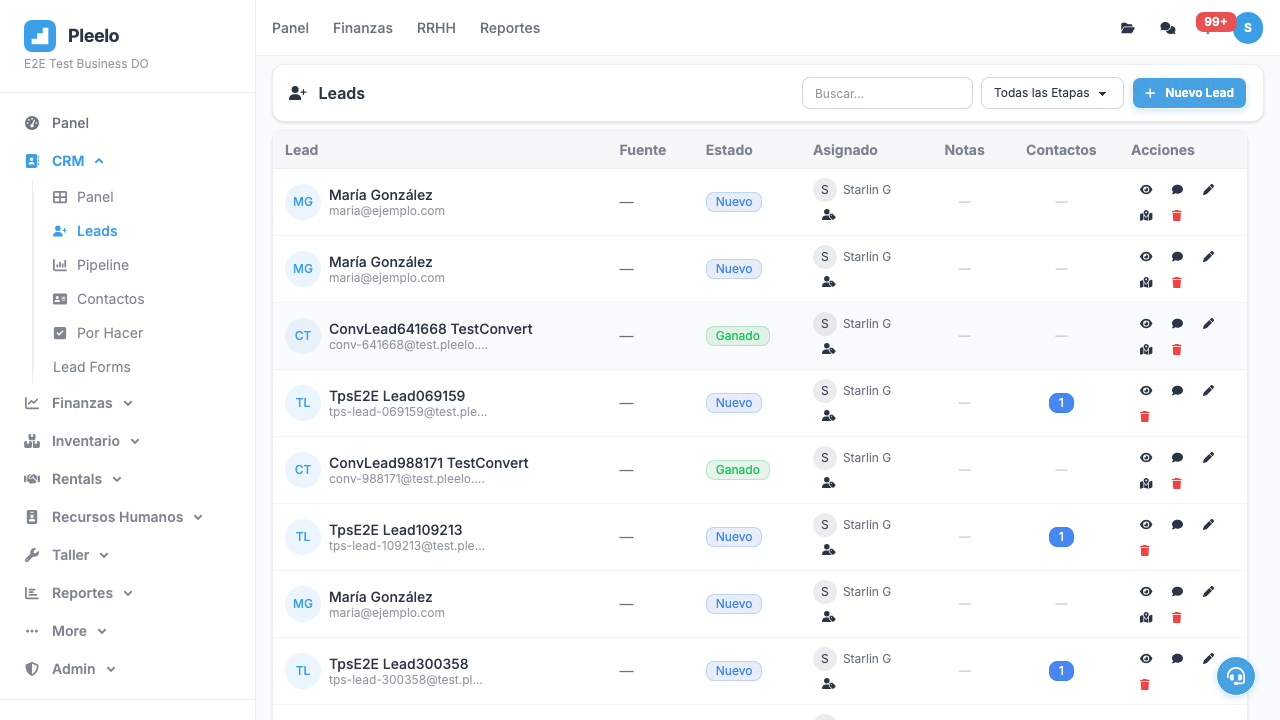
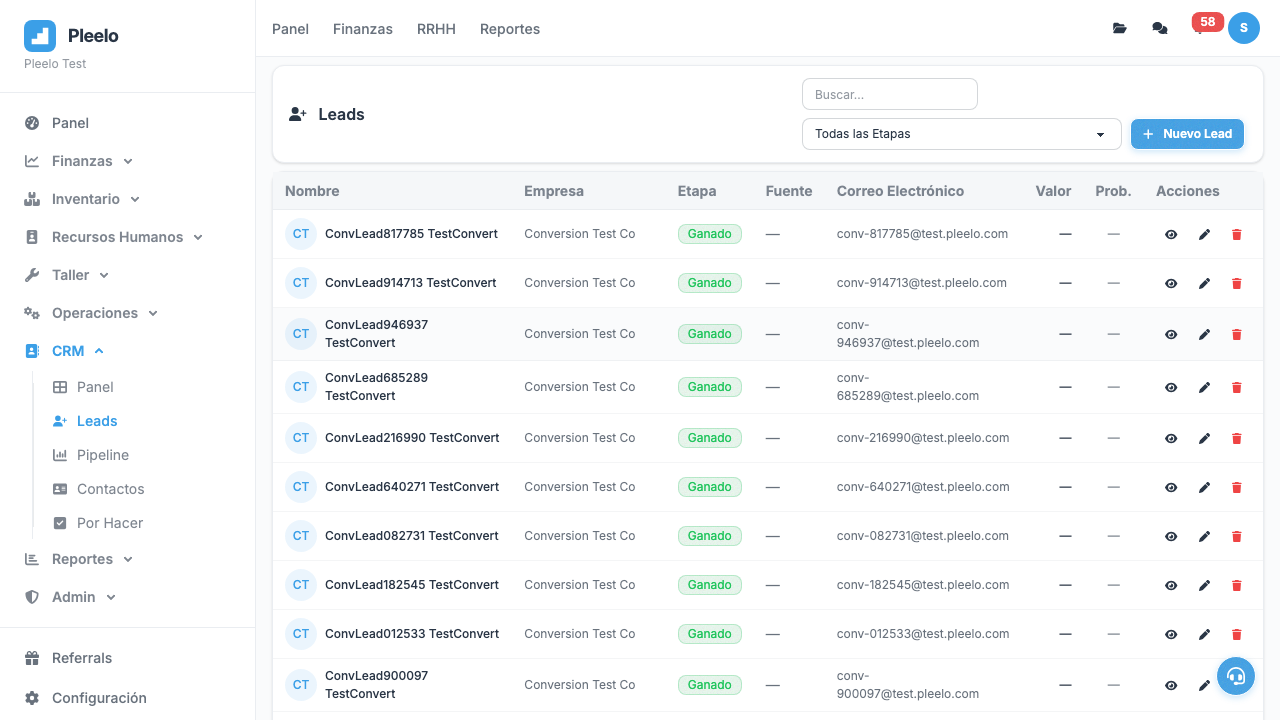
2Prospects (Leads)
What Is a Prospect?
Someone who showed interest but hasn't bought yet.
Examples:
- Called asking "How much?"
- Emailed: "Tell me more"
- Saw your ad and asked for quote
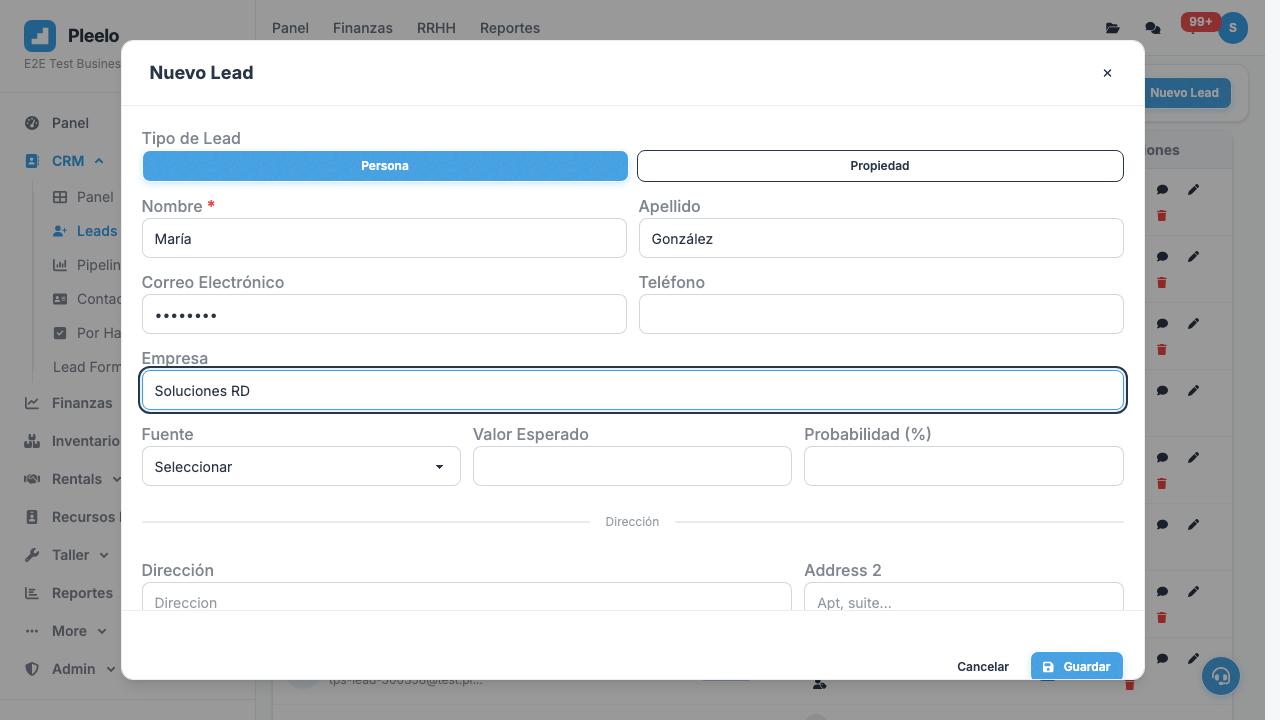
How to Register
- Go to CRM > Prospects
- Click New Prospect
- Name, phone, email
- Product interested in
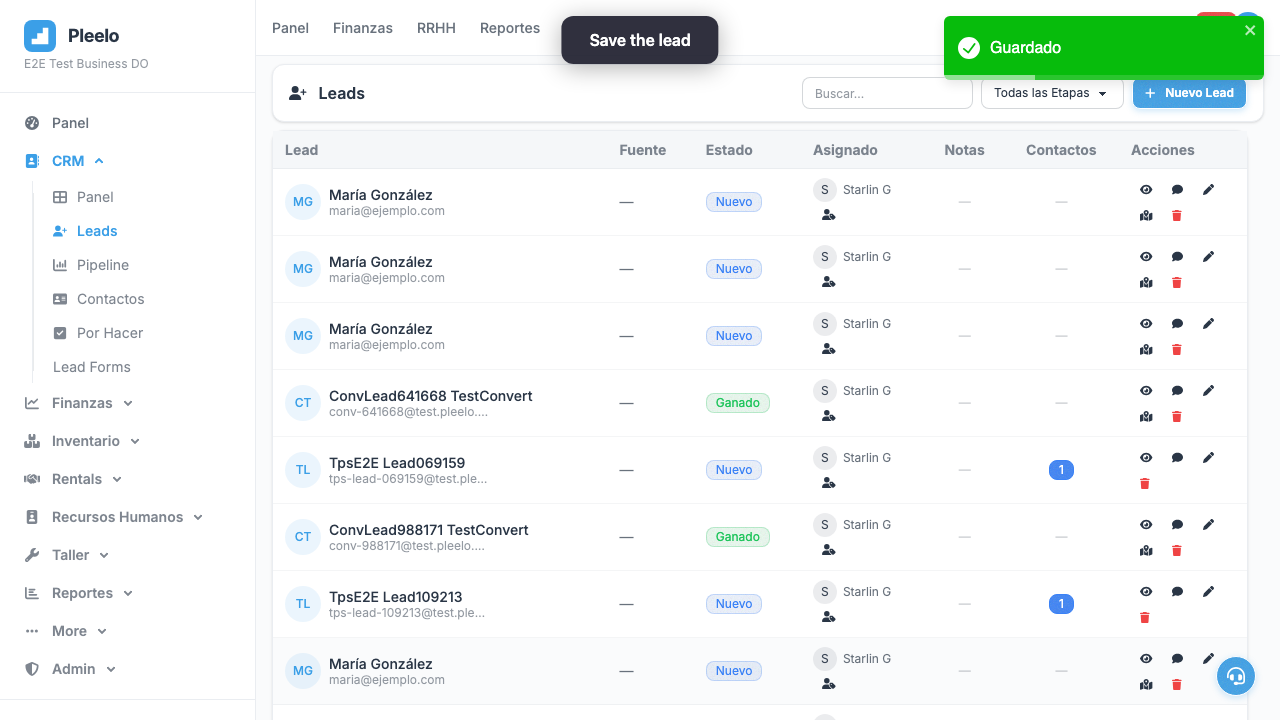
- Save
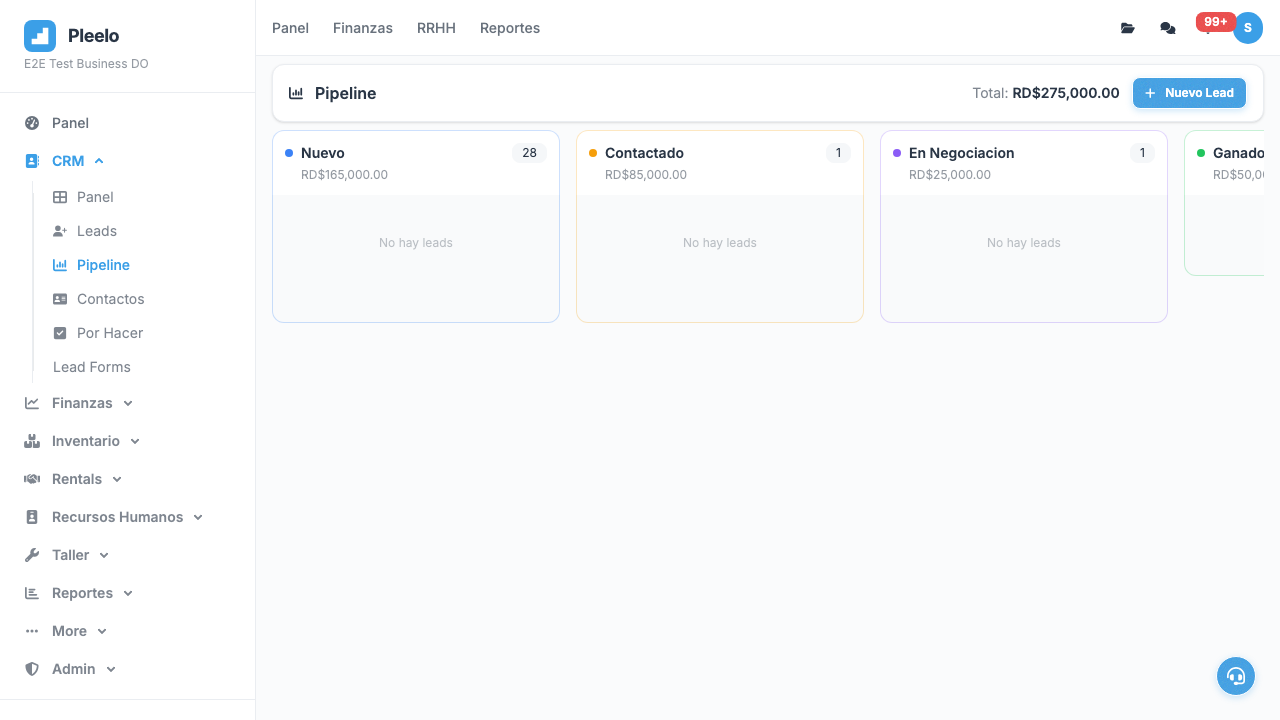
3Sales Pipeline
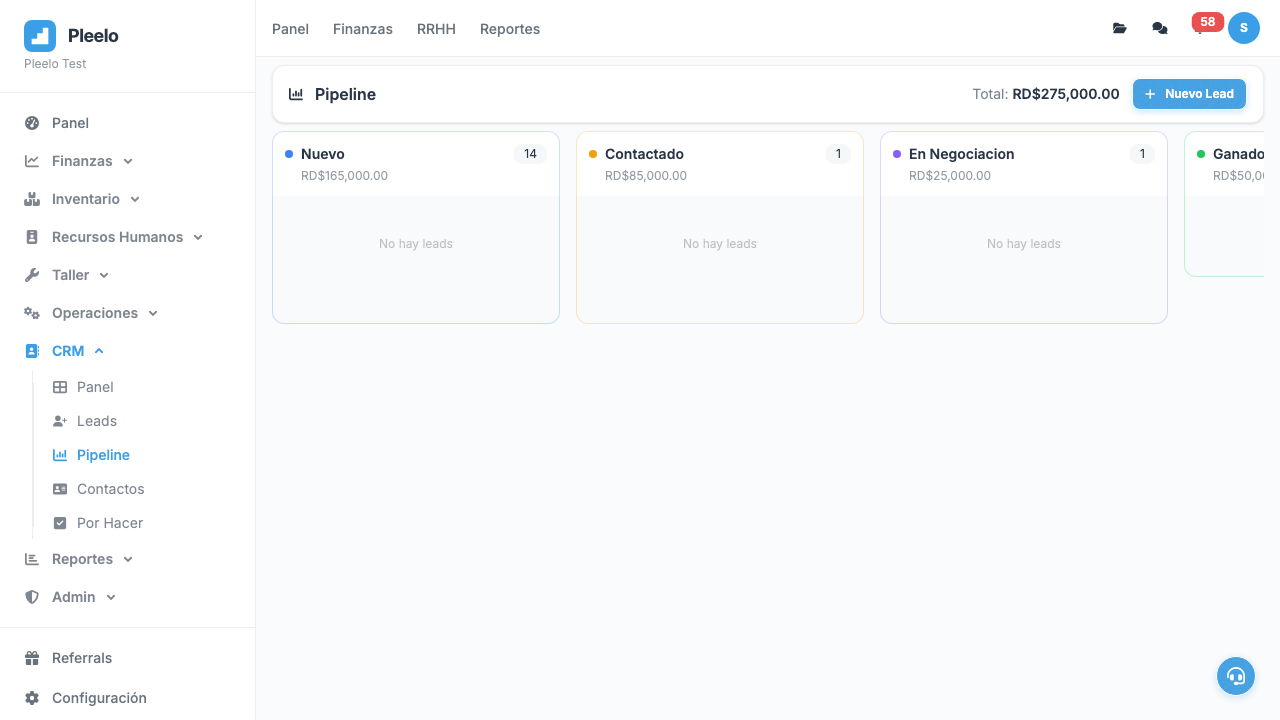
What Is Pipeline?
A view of "where are my prospects going".
Typical stages:
- New: Just arrived
- Contacted: Already called
- Interested: Wants more info
- Quoted: Sent quote
- Negotiating: Talking price
- Won: Sold!
- Lost: Chose someone else
How to Move
Drag & drop on board or edit status manually.
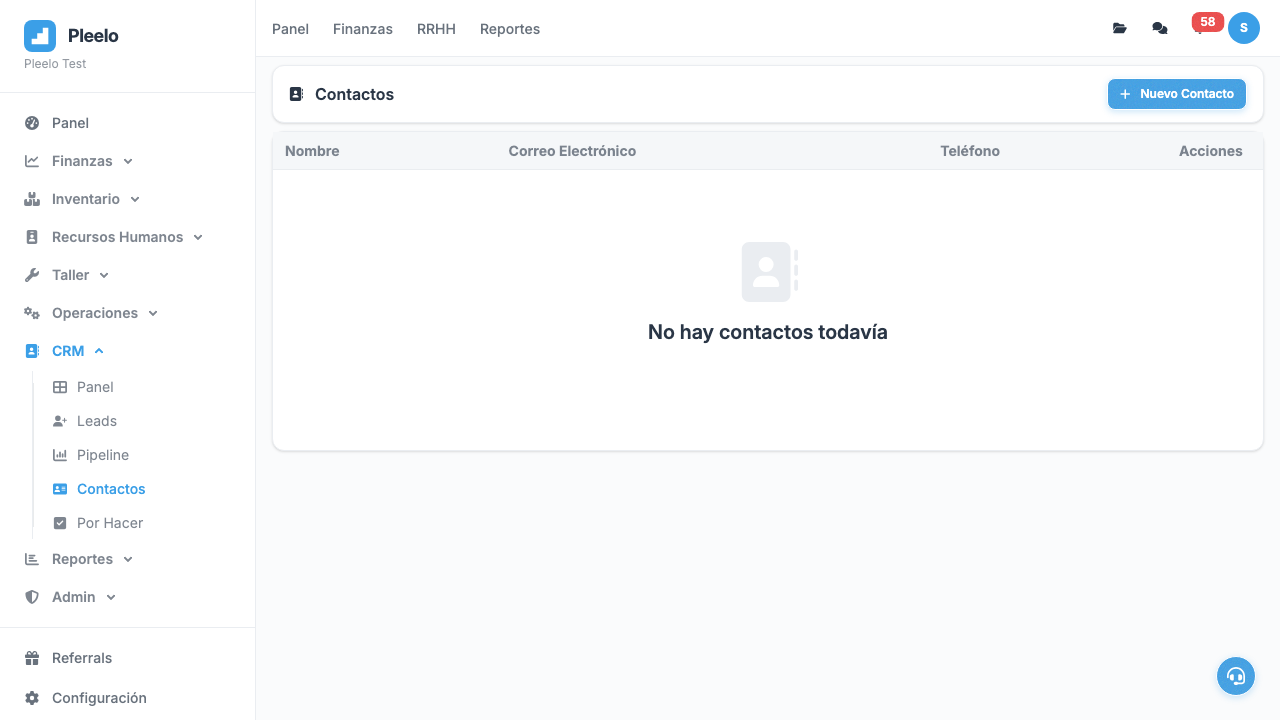
4Contacts (Information)
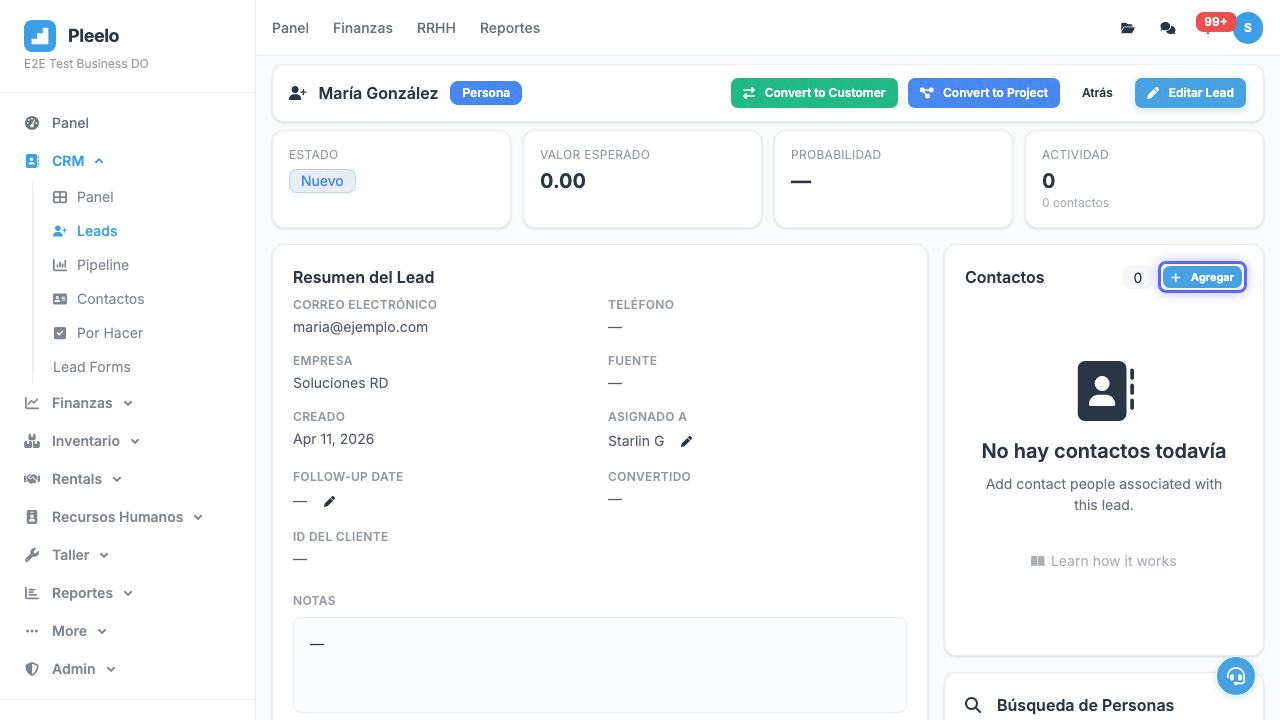
What to Save
- Full name
- Phone (mobile preferred)
- Company (if employed)
- Position (if relevant)
- Notes: "Likes blue color", "Best 9-12am"
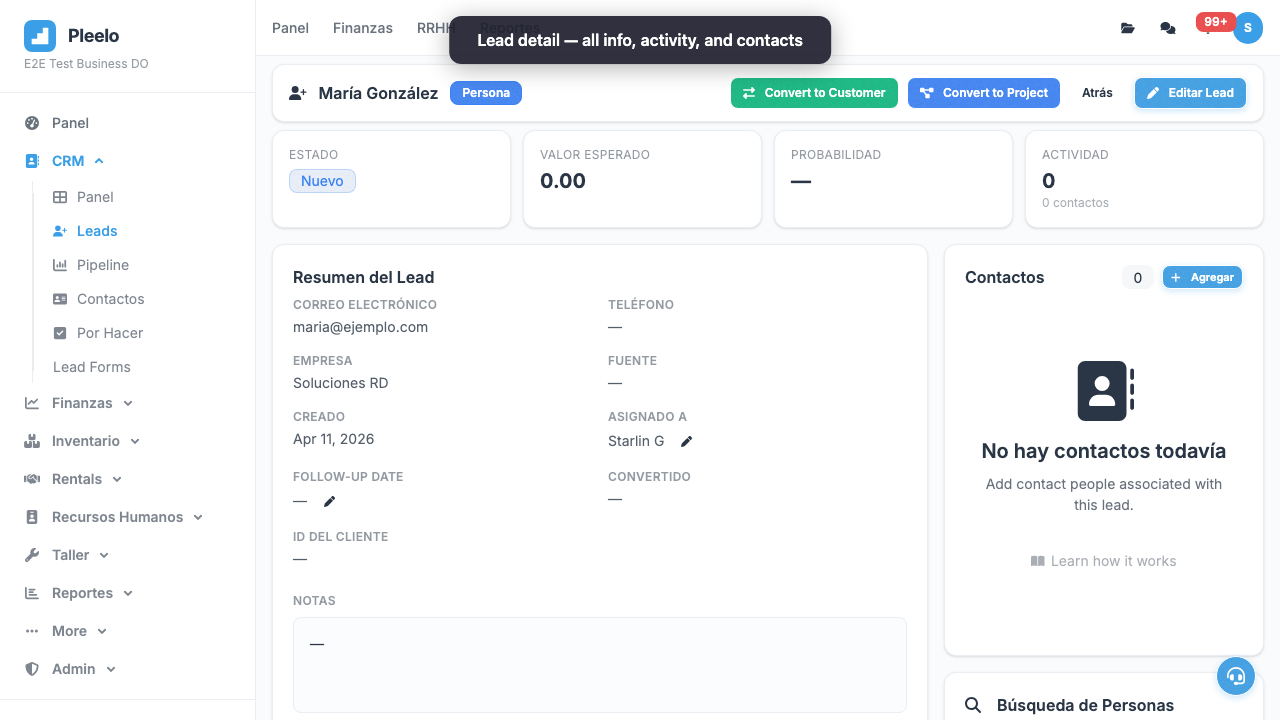
5Converting Prospect to Customer
The Big Moment
When prospect says "Yes, I buy":
- Open prospect
- Click Convert to Customer
- System creates customer with their info
- Now you can create invoices
- Prospect moves to "Won" in pipeline
Video Tutorials
Lead Lifecycle
How to create, edit, add contacts and interactions to a lead.
1:30Convert Lead to Customer
How to convert a won lead into a customer record in Finance.
1:00Visual guide
Reference screenshots from the product and guided flows captured for documentation.