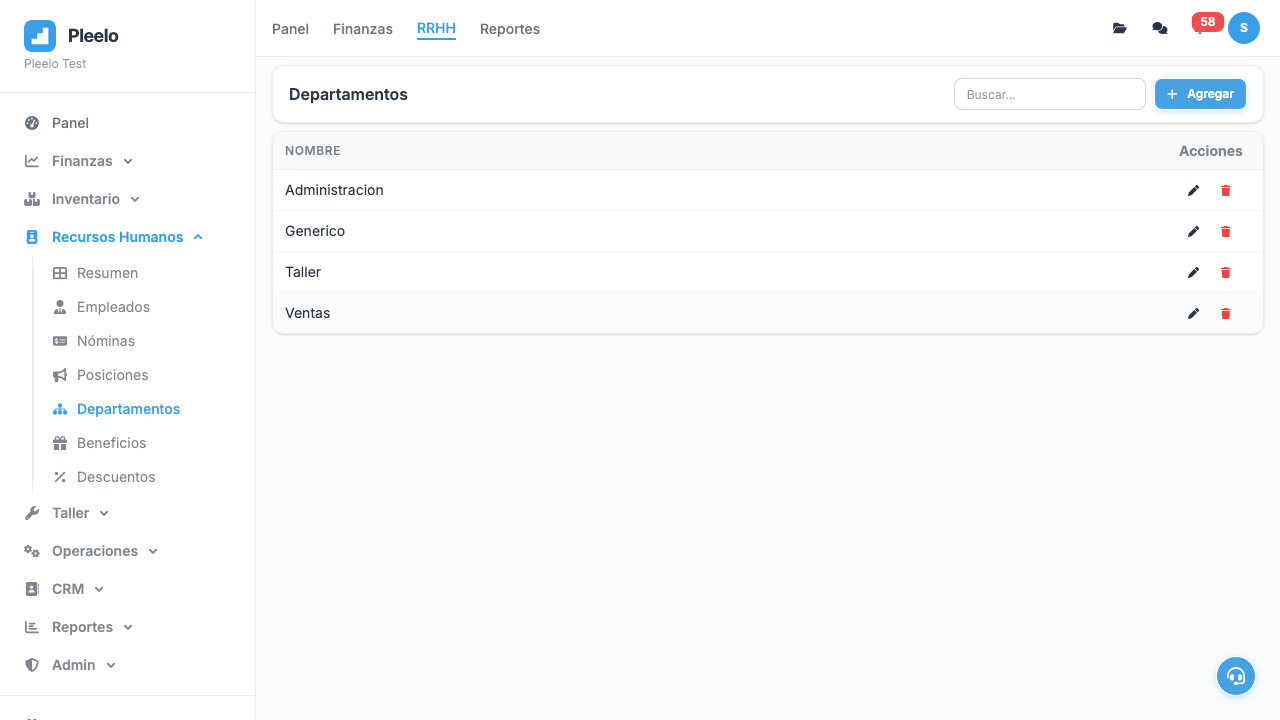
HR — Employee and Payroll Management
Register employees, auto-calculate payroll, generate bonuses and deductions, generate salary reports.
This article is currently documented for Dominican Republic workflows. If your organization operates in United States, some rules, screenshots, or tutorial steps may differ.
1What Is the HR Module?
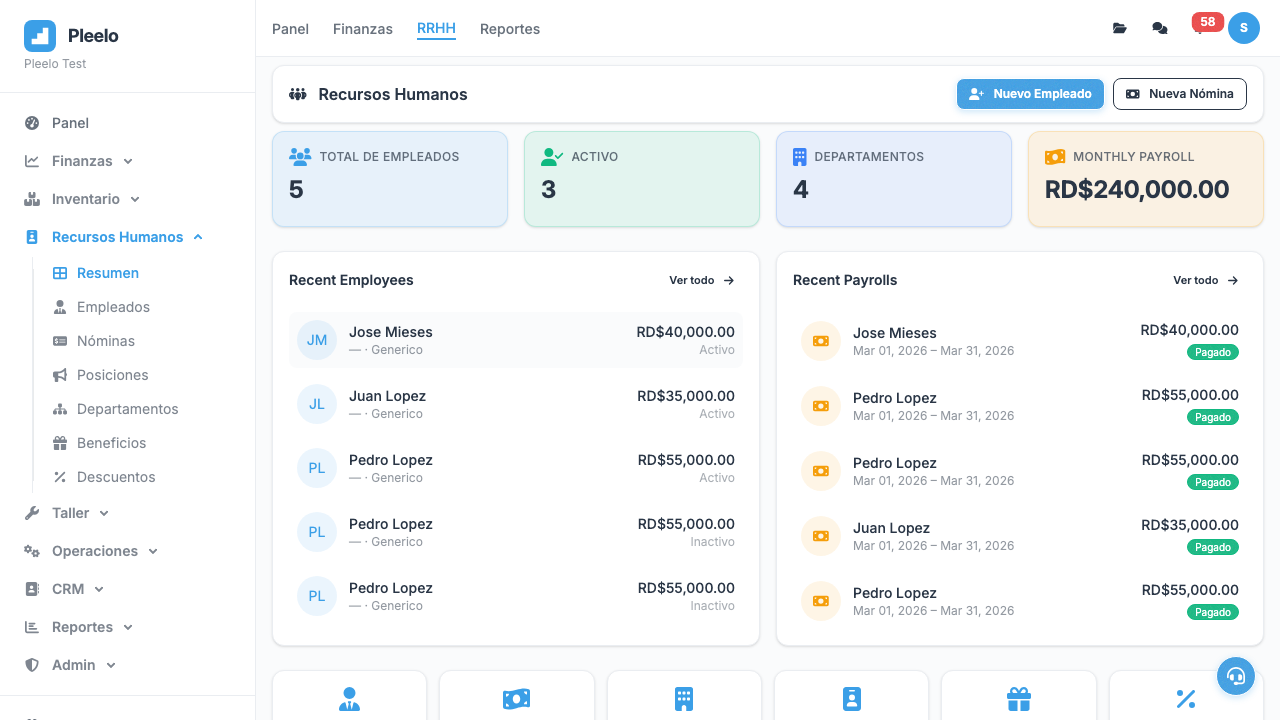
HR (Human Resources) is where you manage your team:
- Employee personal data
- Automatic salary calculation
- Legal deductions (AFP, SFS, SRL)
- Bonuses and commissions
- Attendance and absences
Pleelo calculates everything automatically according to Dominican law.
2Registering Employees
Required Information
- Full name
- ID number (Cédula)
- Position: Manager, Sales, Technician, etc.
- Department: Sales, IT, Admin, etc.
- Base salary: Monthly wage
- Start date
Additional Information
- Phone
- Bank account (for payroll transfers)
- Emergency contact
How to Create
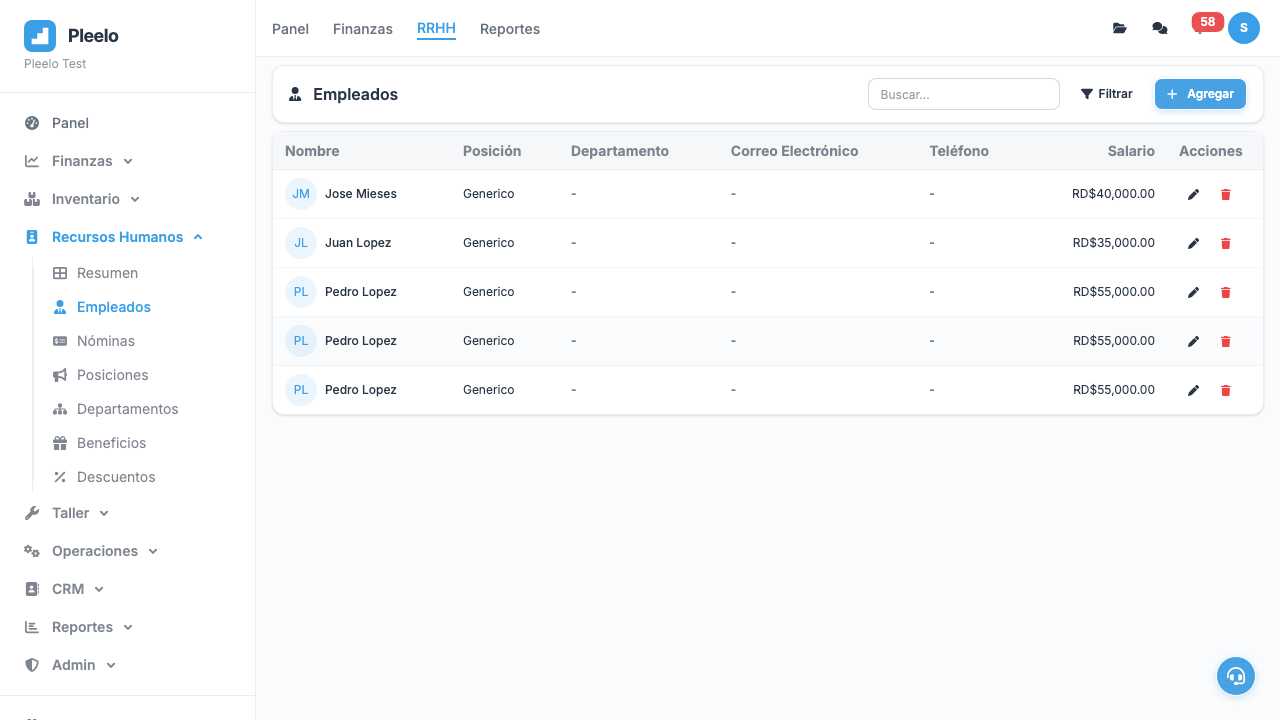
- Go to HR > Employees
- Click New Employee
- Fill all fields
- Save
Now ready for payroll.
3Generating Payroll
What Is Payroll?
A document saying:
- "I pay Juan RD$15,000 this month"
- Deduct AFP (2.87%)
- Deduct SFS (3.04%)
- Discount absences (if any)
- Add bonus (if any)
- Total to pay: RD$XXXX
Automatic Calculation
Pleelo automatically calculates per Dominican law:
- AFP: 2.87% of salary
- SFS (Health Insurance): 3.04% of salary
- SRL (Work Risk Insurance): Per industry
- ITBIS: If applicable
How to Generate
- Go to HR > Payroll
- Click New Payroll
- Select month and year
- System lists all employees
- Review calculations
- Click Approve and Pay
Note: Save receipt. DGII will ask for it.
4Bonuses and Deductions
Bonuses
- Productivity Bonus: Extra if sells more
- Commission: % of each sale
- Monthly Bonus: Fixed, if meets targets
- Aguinaldo: December (extra month)
Deductions
- Unjustified Absence: Day discount
- Late: Hour discount
- Loan: Agreed deduction
- Fine: For non-compliance
How to Add
- Open payroll
- Go to employee
- Click + Add Bonus or + Add Deduction
- Type and amount
- Reason
- Save
Total to pay recalculates automatically.
Video Tutorials
Generate Batch Payroll
Complete process: generate batch, review summary, approve, and mark as paid.
1:10Manage Employees
How to add employees and assign benefits and deductions.
0:50Visual guide
Reference screenshots from the product and guided flows captured for documentation.